
Piia

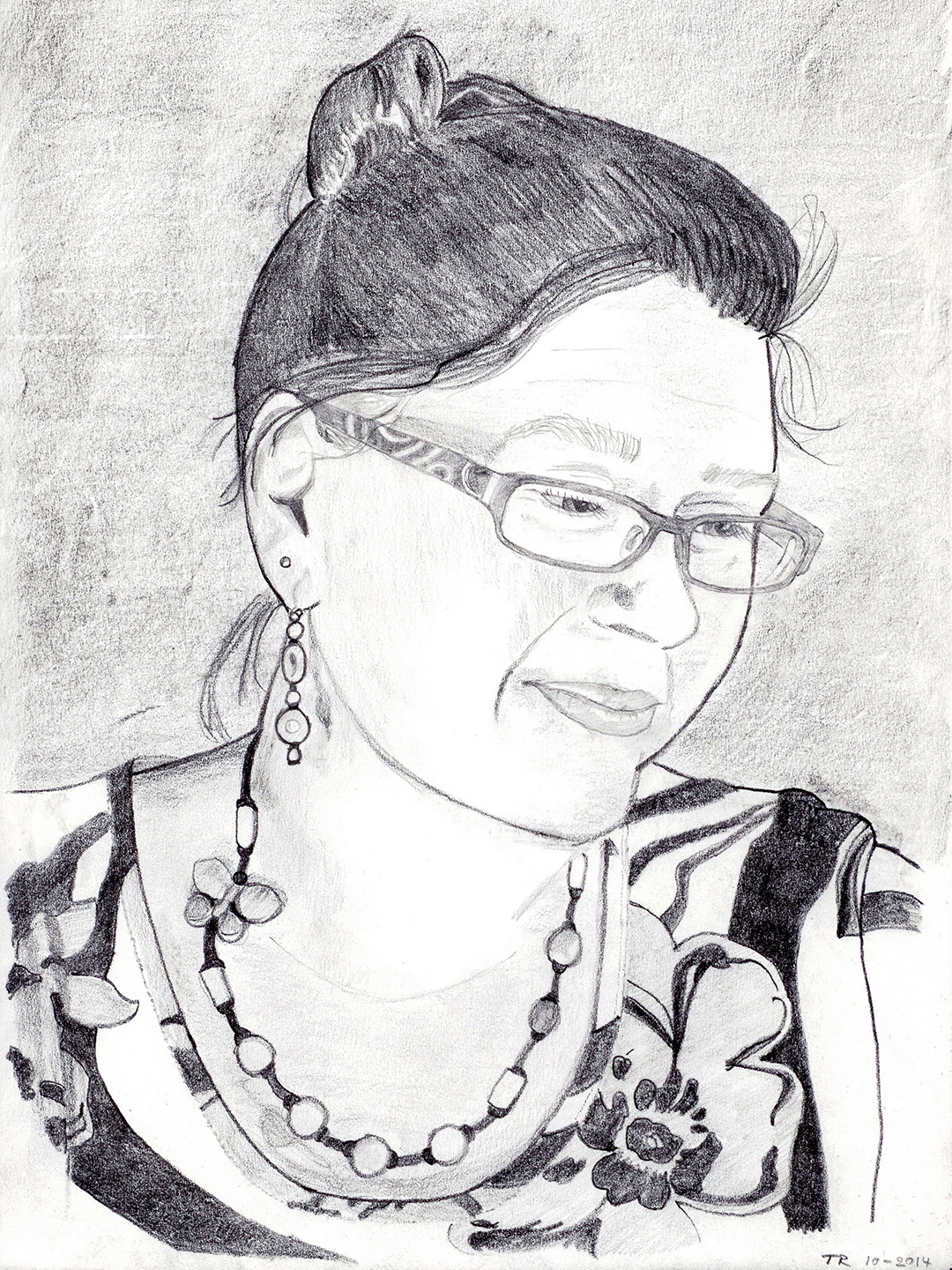
“Piia”. Pencil on paper, 2014.
Move the slider to see the difference between the photo and the final, edited pencil drawing.
Note: The original photo had different dimensions; to generate a correct size comparison image I had to use Photoshop’s content-aware fill to “create content” for the photo’s top and bottom part. Hence, the drawing does not match in those areas.
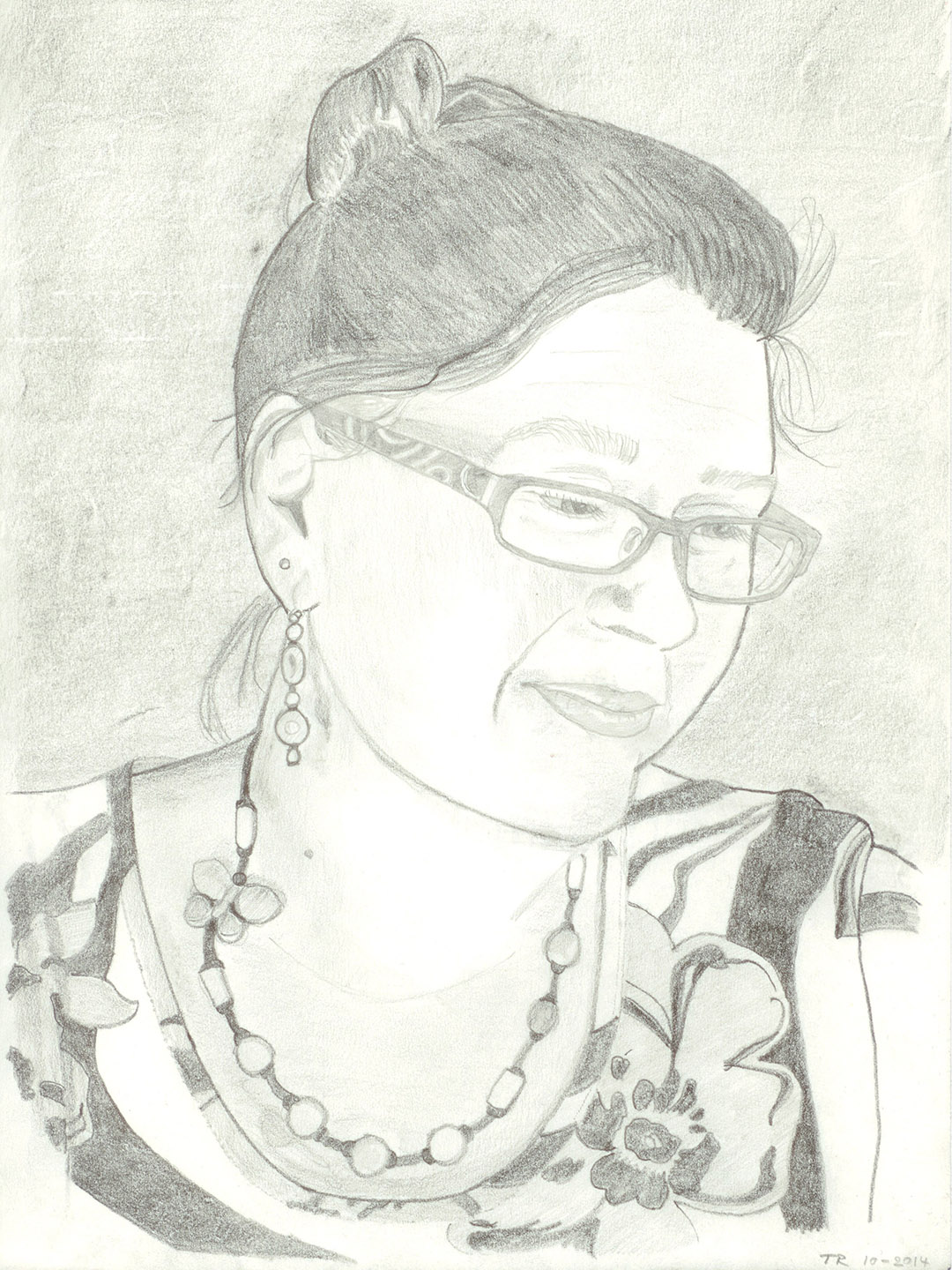
“Piia”. Pencil on paper, 2014.
Move the slider to see the difference between the original, scanned pencil drawing and the final, edited image file.
Edits:
- white balance (remove the yellow hue of the scanned image)
- sharpening (improve the soft look of the scanned image)
- contrast/levels (improve the washed-out appearance)
- fixed eyeglasses (left eye lens frame)
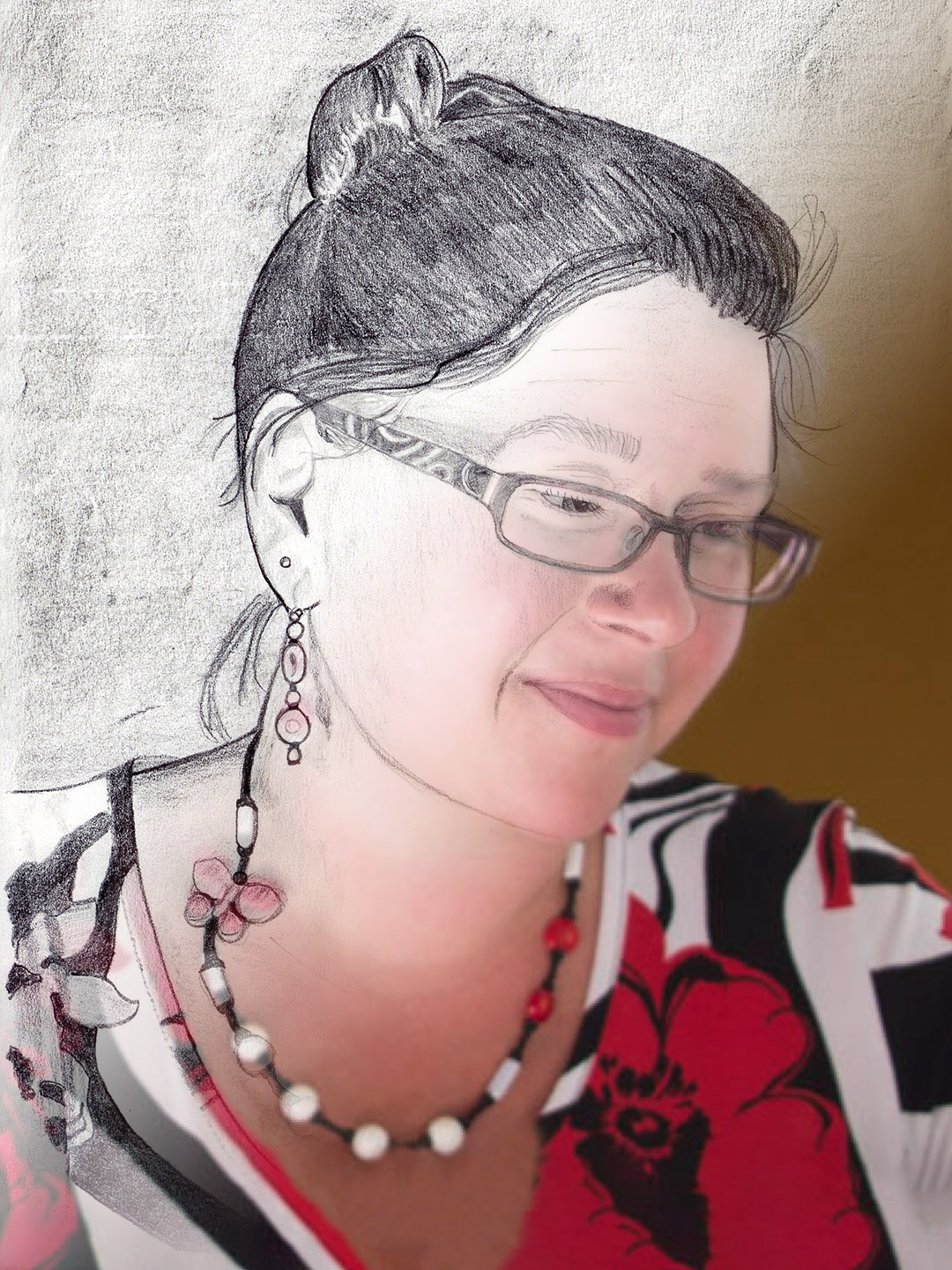
The drawing fused with the model’s photograph.